Stripe Affiliate Program: How to Track Referrals with Stripe
Learn how to build an affiliate program powered by Stripe — from webhook-based tracking and Stripe Connect payouts to handling subscriptions, refunds, and automated commission processing.
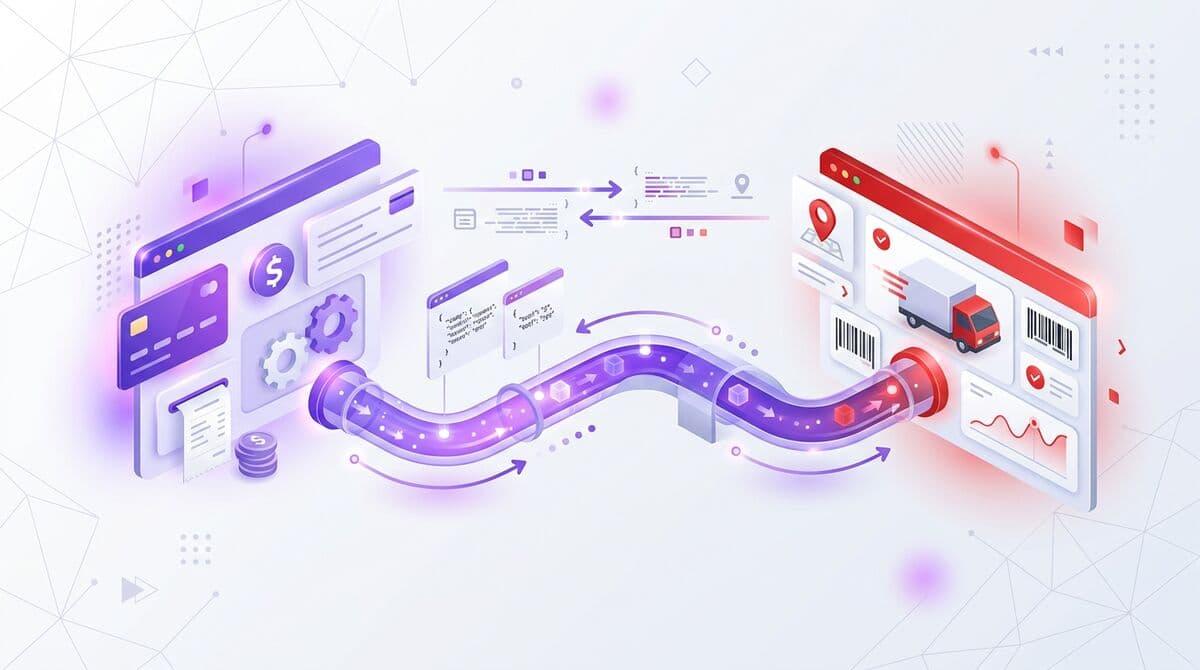
Why Stripe Is Ideal for Affiliate Programs
Stripe has become the payment platform of choice for SaaS companies, and for good reason. Its comprehensive API, robust webhook system, and Connect platform make it uniquely well-suited for powering affiliate programs with accurate, automated tracking and payouts.
For affiliate tracking specifically, Stripe provides several critical capabilities. Its webhook system sends real-time event notifications for every payment event — subscriptions, renewals, upgrades, downgrades, cancellations, and refunds. This event stream is exactly what server-side affiliate tracking needs to maintain accurate, up-to-date commission records.
Stripe Connect, its platform for marketplace and multi-party payments, enables automated affiliate payouts without manual bank transfers. Connect handles onboarding, identity verification, tax reporting, and international payments — all the complexity that makes manual payouts painful at scale.
If your SaaS product already uses Stripe for billing, adding affiliate tracking is primarily a matter of connecting the right webhook events to your tracking platform. There is no separate payment integration needed — you are leveraging infrastructure you already have in place.
Understanding Stripe Connect for Affiliate Payouts
OAuth Connect
One-click Stripe authorization
Webhooks Auto-Configured
invoice.paid, subscription.*, charge.*
Conversions Tracked
Every payment matched to referrer
Payouts via Connect
Automated transfers, 0% fees
Stripe Connect is Stripe's platform for facilitating payments between multiple parties. In the affiliate context, your Stripe account is the platform, and each affiliate has a connected account through which they receive their payouts.
There are three types of Connect accounts: Standard, Express, and Custom. For affiliate programs, Express accounts are the optimal choice. They provide a Stripe-hosted onboarding flow where affiliates enter their banking details and complete identity verification, while you maintain control over the payout schedule and amounts.
The Connect Express flow works as follows: when an affiliate joins your program, they click a Connect onboarding link that takes them to a Stripe-hosted page. They enter their personal and banking information, Stripe verifies their identity (including KYC checks where required), and once verified, they can receive payouts. You never see or store sensitive banking information — Stripe handles all of it.
Connect also handles tax compliance. For US-based affiliates, Stripe can collect W-9 information and generate 1099 forms at the end of the year. For international affiliates, Connect supports payouts in 40+ countries with automatic currency conversion. This dramatically simplifies the compliance burden of running a global affiliate program.
Webhook-Based Affiliate Tracking with Stripe
Stripe Webhook Integration Flow
invoice.paid
customer_id, amount, subscription_id
Receive & Verify
Validate webhook signature (whsec_...)
Match Referral
customer → referral_code → affiliate
Calculate Commission
amount × rate = commission (in cents)
Stripe webhooks are the mechanism that makes server-side affiliate tracking possible. Instead of relying on browser cookies to attribute conversions, your tracking platform receives direct notifications from Stripe whenever a payment event occurs.
Here are the key webhook events for affiliate tracking:
checkout.session.completed: Fired when a customer completes a Stripe Checkout session. This is typically the initial conversion event that triggers the first commission. The webhook payload includes the customer ID, session metadata, and payment details.invoice.paid: Fired when a subscription invoice is successfully paid. This event triggers recurring commissions — every time a subscription renews and payment is collected, this webhook fires and a new commission is calculated.customer.subscription.updated: Fired when a subscription is modified, including plan upgrades and downgrades. Your tracking platform uses this event to adjust future commission calculations based on the new plan amount.customer.subscription.deleted: Fired when a subscription is cancelled. This event tells the tracking platform to stop accruing future commissions for this customer-affiliate relationship.charge.refunded: Fired when a charge is refunded (fully or partially). The tracking platform should automatically reverse (claw back) the commission associated with the refunded payment.
Each webhook payload is signed by Stripe, allowing your tracking platform to verify that the event is genuine and has not been tampered with. This signature verification is a critical security measure that prevents fraudulent conversion reporting.
Setting Up Stripe Affiliate Tracking with Icodrip
Setting up Stripe-powered affiliate tracking with Icodrip is straightforward. Here is the step-by-step process:
- Step 1 — Connect Your Stripe Account: In your Icodrip dashboard, navigate to Integrations and click Connect Stripe. This initiates an OAuth flow where you authorize Icodrip to access your Stripe account's webhook events. No API keys need to be shared or stored manually.
- Step 2 — Configure Webhook Events: Icodrip automatically configures the necessary webhook endpoints in your Stripe account. The platform listens for all relevant events: checkout completions, invoice payments, subscription changes, and refunds.
- Step 3 — Set Up Your Affiliate Program: Create your affiliate program in Icodrip, defining your commission structure (percentage, recurring duration, tiers), attribution window, and program terms. Icodrip will apply these rules to every conversion event it receives from Stripe.
- Step 4 — Add the Tracking Snippet: Add a small JavaScript snippet to your website that captures the referral code from affiliate links and stores it as a first-party identifier. When the visitor signs up, this identifier is passed to Stripe as customer metadata, creating the attribution chain.
- Step 5 — Enable Connect Payouts: Configure Stripe Connect Express in your Icodrip settings to enable automated affiliate payouts. Set your payout schedule, minimum thresholds, and supported countries. Affiliates will complete their Connect onboarding when they join your program.
- Step 6 — Test the Integration: Use Stripe's test mode to simulate the full lifecycle: affiliate click, customer signup, subscription payment, renewal, upgrade, refund. Verify that commissions are calculated correctly at each step before going live.
Handling Subscriptions and Refunds
SaaS subscription billing creates a complex web of payment events that your affiliate tracking must handle correctly. Here is how a well-integrated Stripe affiliate system processes each scenario:
New Subscription: Customer signs up and pays. Stripe sends a checkout.session.completed event. The tracking platform matches the customer to the referring affiliate (via customer metadata or stored referral data) and records the initial commission.
Subscription Renewal: Each month, Stripe generates an invoice and charges the customer. An invoice.paid event fires. The tracking platform records a new recurring commission for that billing period. This happens automatically with no action required from you or the affiliate.
Plan Upgrade: Customer upgrades to a higher tier. Stripe prorates the charge and sends an invoice.paid event for the prorated amount, followed by customer.subscription.updated. Future renewal commissions are calculated on the new, higher plan amount.
Plan Downgrade: Customer downgrades. Similar to an upgrade, but the future commission amount decreases. The tracking platform adjusts automatically when it processes the next invoice.paid event at the lower amount.
Full Refund: You issue a full refund. Stripe sends a charge.refunded event. The tracking platform reverses the commission associated with that charge. The affiliate's balance is adjusted, and if the commission was already paid out, it is deducted from future payouts.
Partial Refund: You issue a partial refund. The tracking platform should proportionally reduce the commission based on the refund amount relative to the original charge. A 50% refund should result in a 50% commission reduction.
Subscription Cancellation: Customer cancels. Stripe sends customer.subscription.deleted. The tracking platform stops accruing future commissions for this customer. Any commissions already earned remain intact (unless your terms specify otherwise).
Automated Payouts with Stripe Connect
Automated Payout Timeline
Threshold reached
$100 minimum
Day 1
Review period
Fraud checks
Day 1–30
Payout approved
Auto-processed
Day 30
Affiliate receives
Bank deposit
Day 31–32
Manual affiliate payouts — spreadsheets, bank transfers, PayPal payments — do not scale. Stripe Connect automates the entire payout process, from affiliate onboarding to tax compliance.
Affiliate Onboarding: When an affiliate joins your program, they complete Stripe's Express onboarding flow. They enter their legal name, address, banking details, and tax information. Stripe verifies their identity and sets up their connected account. The entire process takes 5-10 minutes and is handled entirely by Stripe's hosted UI — you never touch sensitive financial data.
Automated Payout Schedule: Configure your payout schedule in your tracking platform — weekly, bi-weekly, or monthly. On each payout date, the platform calculates payable commissions (those past the hold period and above the minimum threshold), creates transfers to each affiliate's connected Stripe account, and Stripe deposits the funds into the affiliate's bank account.
Tax Compliance: Stripe Connect handles tax form collection and reporting. For US affiliates earning above the reporting threshold, Stripe collects W-9 information and generates 1099 forms. This eliminates one of the most tedious aspects of managing affiliate payouts — you no longer need to manually collect and file tax documents.
International Payouts: Connect supports payouts in 40+ countries with automatic currency conversion. Affiliates in Europe, Asia, Latin America, and beyond can receive payouts in their local currency without you managing exchange rates, international wire transfers, or country-specific banking requirements.
Payout Reporting: Every payout generates a detailed statement showing which commissions are included, the calculation for each, and any adjustments for refunds or clawbacks. Affiliates can access their payout history and upcoming payments through their portal, providing complete transparency.
By combining Stripe's payment infrastructure with a purpose-built tracking platform, you get a fully automated affiliate system that handles attribution, commission calculation, fraud detection, and payouts without manual intervention. This is the operational model that allows affiliate programs to scale to hundreds or thousands of partners without proportionally scaling your management overhead.
Frequently Asked Questions
Related Topics
Recurring Commissions: How They Work & Why They Matter
Everything you need to know about recurring affiliate commissions — how they work with subscriptions, lifetime vs time-limited models, handling churn, and implementation best practices.
affiliate payout methodsAffiliate Payout Methods: How to Pay Your Partners
A complete guide to affiliate payout methods — bank transfers, PayPal, Stripe Connect, wire transfers, and more. Learn how to choose the right method, set thresholds, handle taxes, and automate payouts.
what is affiliate trackingWhat Is Affiliate Tracking? The Complete Guide
Learn how affiliate tracking works, the different tracking methods available, key metrics to monitor, and how to choose the right tracking platform for your business.
Further Reading
Ready to launch your affiliate program?
Start tracking referrals in 2 minutes. Free plan available.
Start Free